

Unlocking the inner workings of website development applications
Website development applications can be complex, with many components that work together to create functional, attractive, and user-friendly websites. Here are 10 key components of website development applications that you should know about
1. User Interface (UI) -
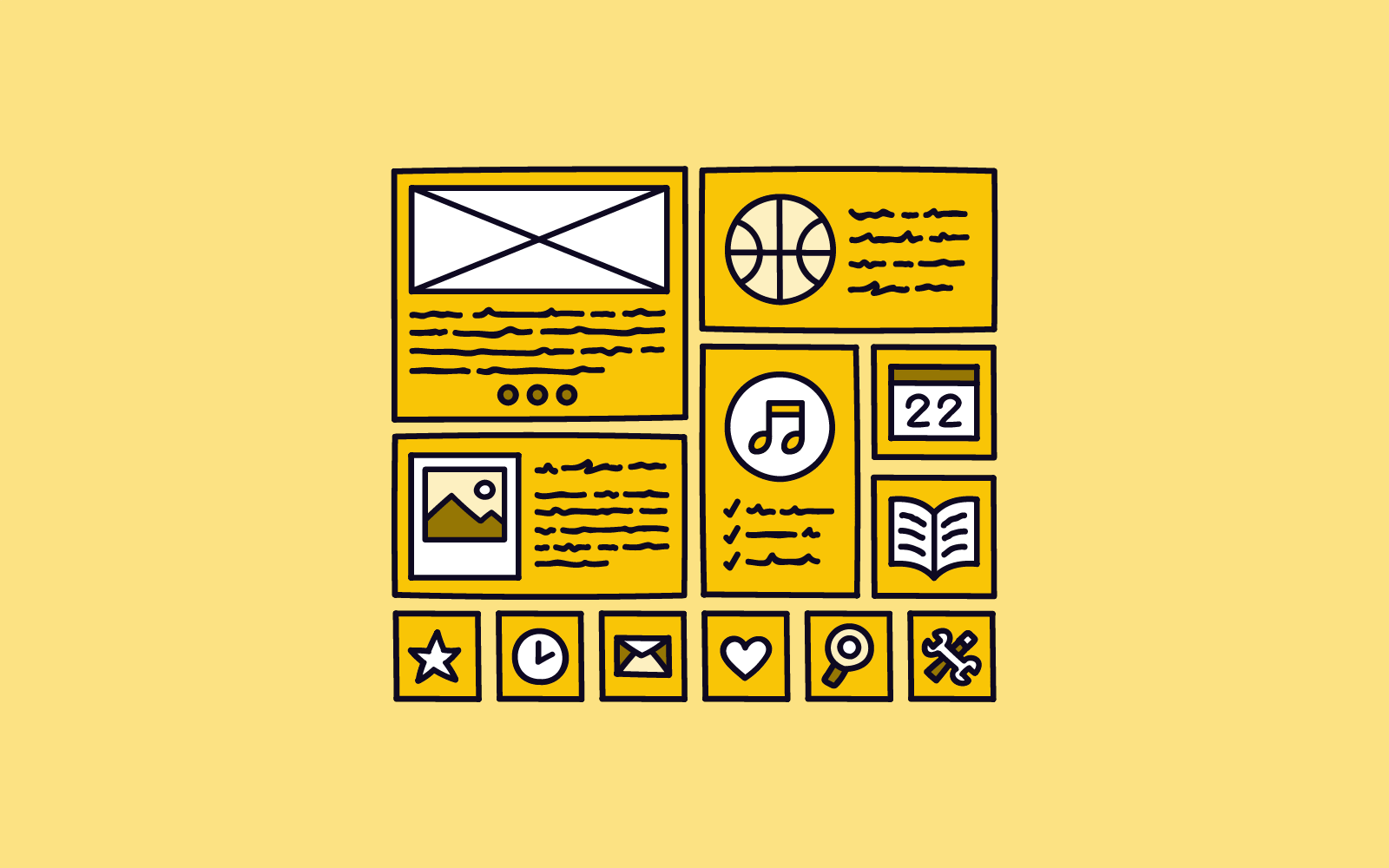
The user interface (UI) is the front-end interface that allows users to interact with the website development application. It includes menus, buttons, text fields, and other elements that allow users to navigate and use the application. The UI should be intuitive and easy to use so that users can complete tasks quickly and efficiently. A good UI design can increase user engagement and satisfaction, while a poor UI can lead to frustration and user abandonment.
2. Code Editor -
The code editor is a tool that developers use to write and edit the code that makes up a website. It usually includes features such as syntax highlighting, auto-completion, and debugging tools. A good code editor can help developers write cleaner, more efficient code and catch errors before they cause problems. Some popular code editors include Visual Studio Code, Sublime Text, and Atom.
3. Previewer -
The previewer is a tool that allows developers to see how their website will look and function before it is published. It may include different views for different devices or screen sizes. A good previewer can help developers identify and fix design and functionality issues before they go live. Some website development applications include built-in previewers, while others require developers to use separate tools.
4. Framework -
A framework is a set of pre-written code that developers can use to build websites more quickly and efficiently. Popular frameworks include React, Angular, and Vue. Frameworks can help developers save time by providing common features and functionality out of the box, rather than requiring developers to write code from scratch. They can also help ensure consistency and reliability across different parts of a website.
5. Template Engine -
A template engine is a tool that allows developers to create reusable templates for different parts of a website, such as headers, footers, and content areas. Template engines can help developers save time by allowing them to reuse code instead of writing it from scratch for each page. They can also help ensure consistency and reliability across different pages of a website.
6. Content Management System (CMS) -
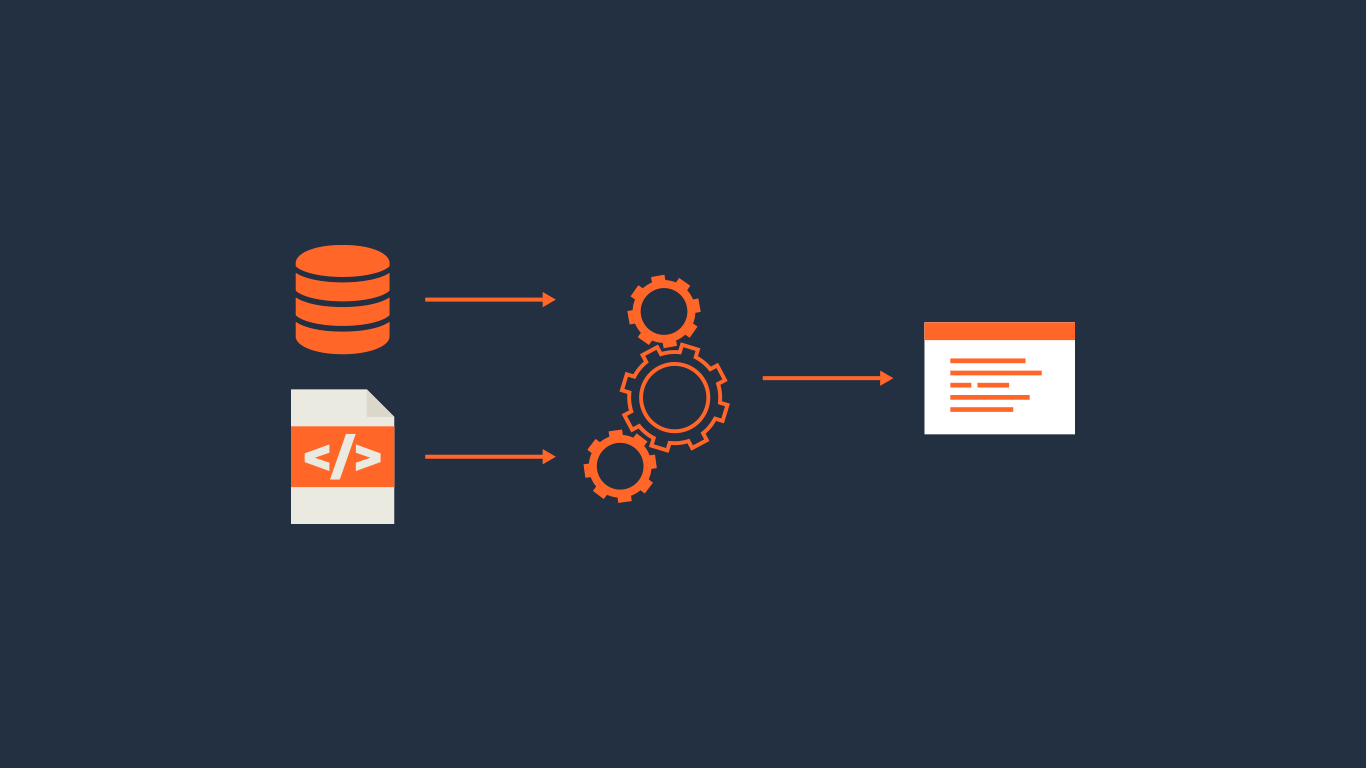
A CMS is a tool that allows website owners to create, manage, and publish content without needing to know how to code. Popular CMS platforms include WordPress, Drupal, and Joomla. CMS platforms can help website owners save time and money by allowing them to manage content without hiring developers. They can also help ensure consistency and reliability across different parts of a website.
7. Database -
A database is a tool that allows website developers to store and manage data. It can be used to store user information, product data, or other types of information that the website needs to function. Databases can help developers save time by providing a centralized location for data storage and retrieval. They can also help ensure consistency and reliability across different parts of a website.
8. Server -
A server is a computer that runs the website and delivers content to users. It can be a physical server, a virtual server, or a cloud server. Servers can help ensure that websites are fast and reliable, even under heavy traffic. They can also help ensure that websites are secure by providing a controlled environment for hosting and managing website files.
9. APIs -
APIs (Application Programming Interfaces) are tools that allow different applications to communicate with each other. They can be used to integrate different parts of a website, such as a payment gateway or a social media platform. APIs can help developers save time by allowing them to reuse code instead of writing it from scratch for each integration. They can also help ensure consistency and reliability across different parts of a website.
10. Version Control -
Collaboration and version control are crucial components of website development applications. Collaboration features allow multiple developers to work on the same project simultaneously, from different locations. This is especially useful for larger teams or for developers working remotely. Collaboration tools typically include features such as live chat, video conferencing, and screen sharing.
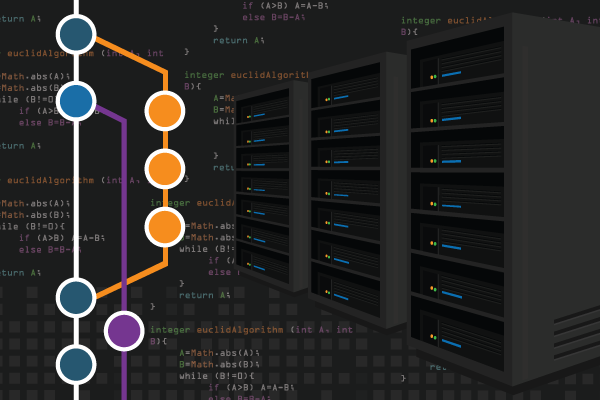
Version control is another important feature that allows developers to track changes to the codebase over time. This is essential for maintaining a history of changes, as well as for identifying and fixing bugs or errors. Version control tools typically allow developers to create different branches of the codebase, so they can work on specific features or fixes without interfering with the main codebase. This makes it easier to manage changes and ensure that the final product is stable and reliable.